

AI Resources Offered Through OIT
Fig. “AI FAU Owl” prompt, Microsoft Copilot, Microsoft, April 4, 2024, https://copilot.microsoft.com/.
Fig. “Complete Background” prompt, Adobe Photoshop, Adobe, April 4, 2024.
Browse AI Services
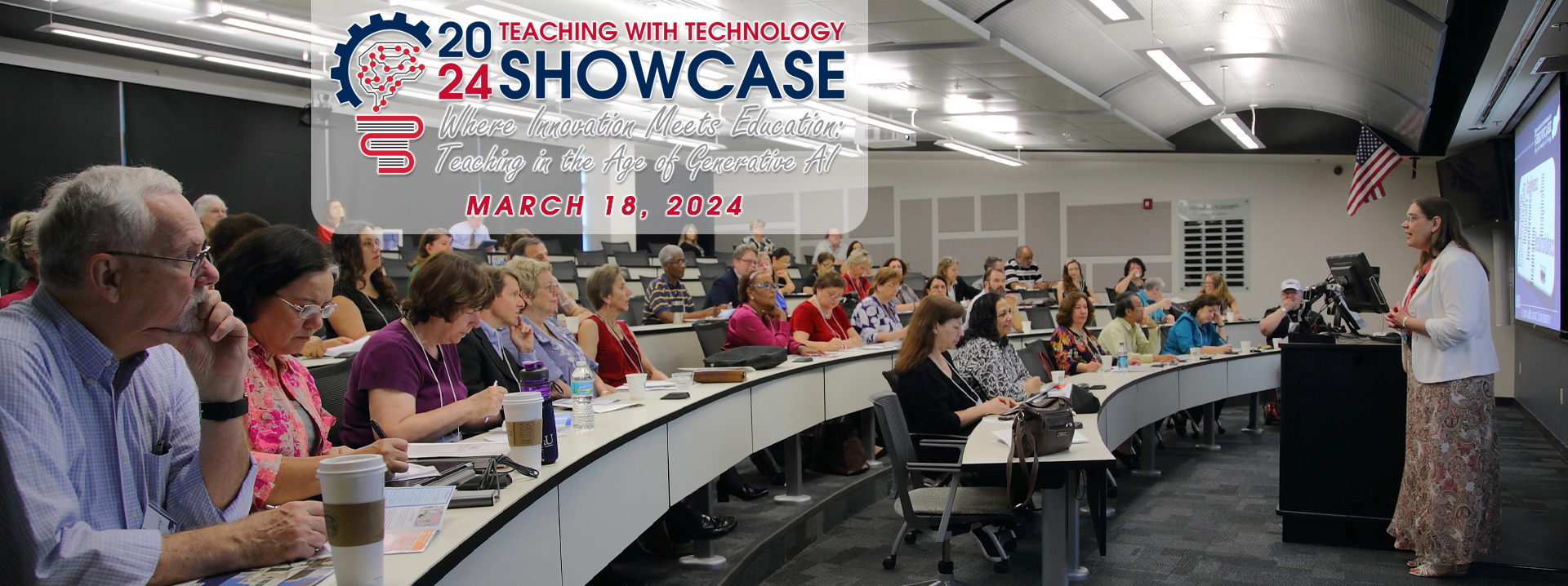
2024 Teaching with Technology Showcase
Explore the Showcase
Zoom Services Offered Through OIT
View Available Tools
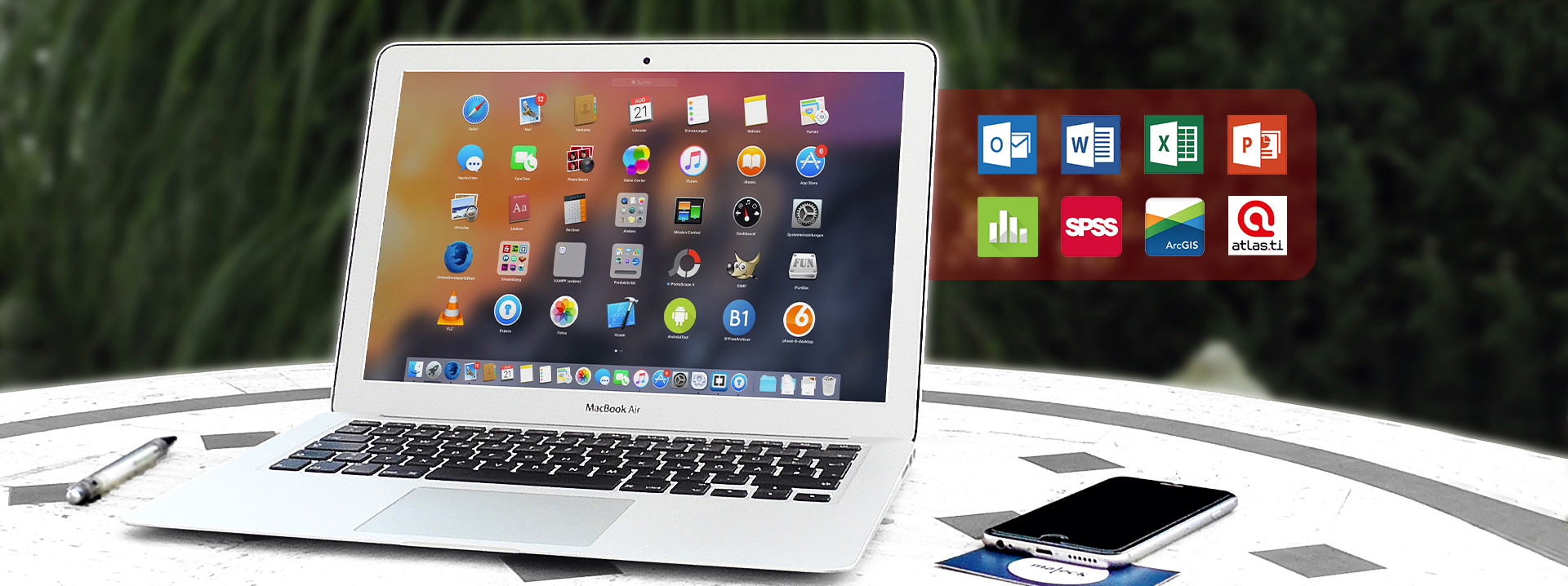
Virtual Apps
Virtual Apps | Software Anywhere Anytime!
Access Tools Anywhere


About the Office of Information Technology

Vision

What We Believe

The Office of Information Technology aspires to provide the technology resources needed by Florida Atlantic University to provide an excellent and accessible undergraduate and graduate education, as well as to ensure that the overall institutional goals and objectives are being met.

Mission

What We Do

The Office of Information Technology mission is to plan for and provide, high quality information technology resources in support of research and teaching across all campuses, and to facilitate the efficient execution of administrative and public service functions of the University.


and Analysis (IEA)

IEA &
Dashboards

Get Accurate Data

Institutional Effectiveness and Analysis (IEA) provides accurate, relevant, and timely information for use by the university community.

one faculty sitting next to an instructional designer

Technology
Showcase

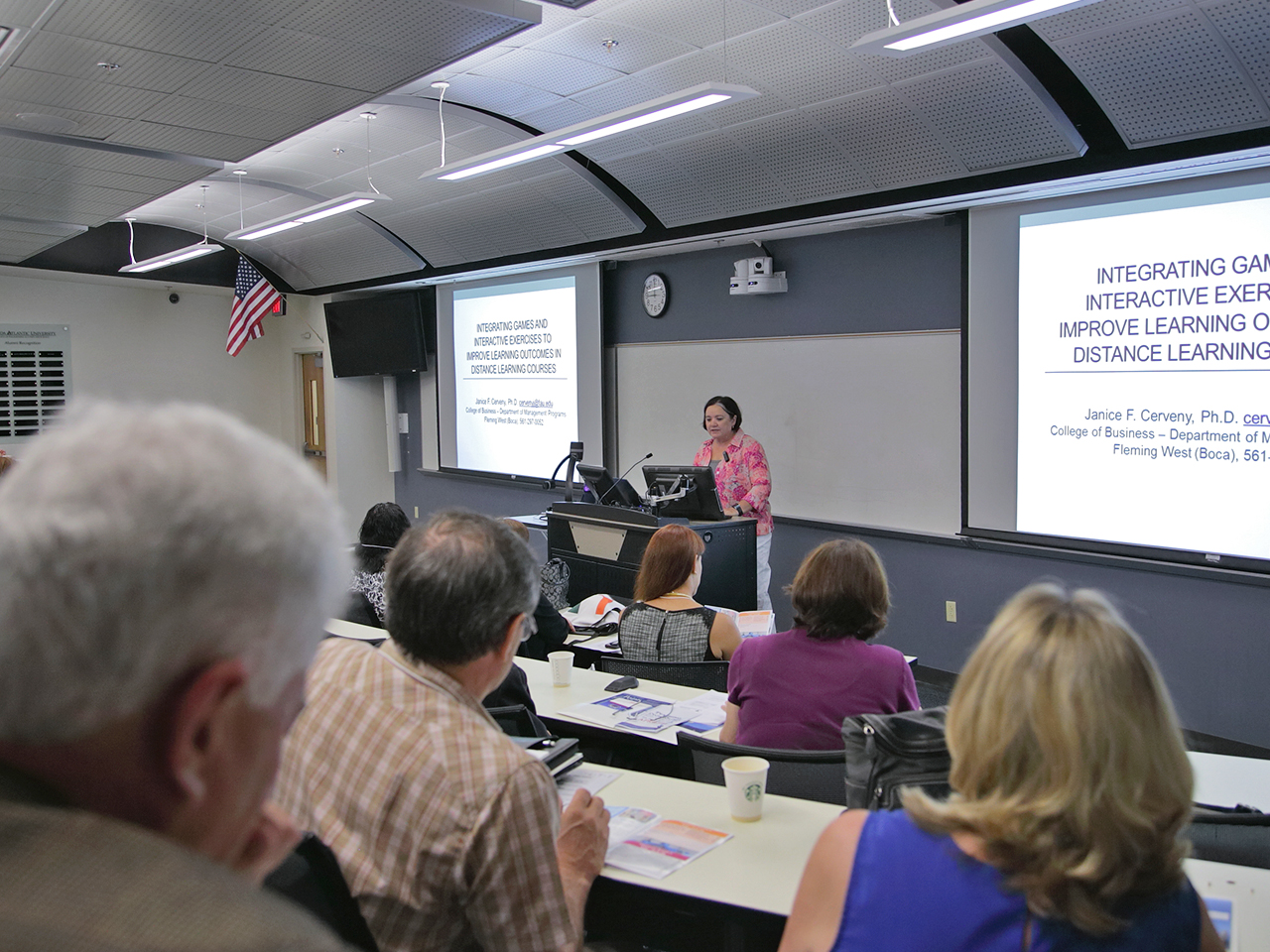
Enhance Learning Through Technology

Learn how to incorporate technology into classes, discuss advantages/disadvantages of its use, and pedagogical techniques to improve learning.

HPC

High Performance
Computing (HPC)

Accelerate Your Research

HPC provides students, faculty, and researchers with computing resources that can perform intense computing tasks.

Instructional Technologies Calendar | Upcoming Sessions

Aug
13
Thu, 2:00pm - 3:00pm
Online, Online
20 seats left

Tech Talk: Ally

Blackboard Ally is a tool that seamlessly integrates with your Learning Management System (LMS) to provide insight into your institution's accessibility. With Blackboard Ally, you can: Gain an... More
Aug
13
Thu, 2:00pm - 4:00pm
Boca Raton, CM146 Computer Lab (Boca Raton)
35 seats left

Canvas Getting Started

Canvas Getting Started (1 hr 30 min + QA Forum) This Canvas Primer session covers the essentials to get you started in Canvas. Learn how to: Set up your profile and adjust your notification... More
Aug
17
Mon, 9:00am - 10:00am
Boca Raton, CM146 Computer Lab (Boca Raton)
18 seats left

WorkDay: Beginners Guide 101

In today’s workshop we will be going over the ins and outs of beginning Workday. Staff and faculty will gain a more complete understanding of the Workday system, they will learn where important... More
Aug
17
Mon, 1:00pm - 2:00pm
Boca Raton, CM146 Computer Lab (Boca Raton)
20 seats left

Tech Talk: Simple Syllabus

Simple Syllabus is a centralized, template-driven platform that enables instructors to quickly personalize and publish interactive class syllabi. Accessing Simple Syllabus through the direct link... More
Aug
18
Tue, 9:00am - 10:00am
Boca Raton, CM146 Computer Lab (Boca Raton)
19 seats left

What's New In Canvas

a { text-decoration: none; color: #464feb; } tr th, tr td { border: 1px solid #e6e6e6; } tr th { background-color: #f5f5f5; What's New in Canvas Stay up to date with the latest... More
Aug
19
Wed, 9:00am - 10:00am
Online, Online
18 seats left

Canvas Tech Talk - Quizzes

This workshop will take an in depth look at the Canvas Quiz tool. Learn how to set up create quiz and quiz bank questions, modify quiz settings, and moderation. All training sessions now come with... More