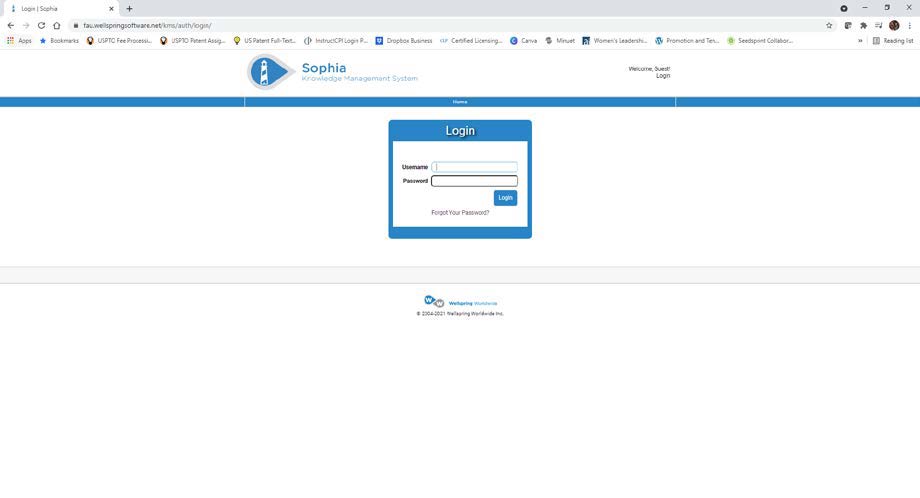
Innovator Portal Account Instructions
- Open a web browser and navigate to https://fau.wellspringsoftware.net .
- Click on the “Forgot Your Password?” link.
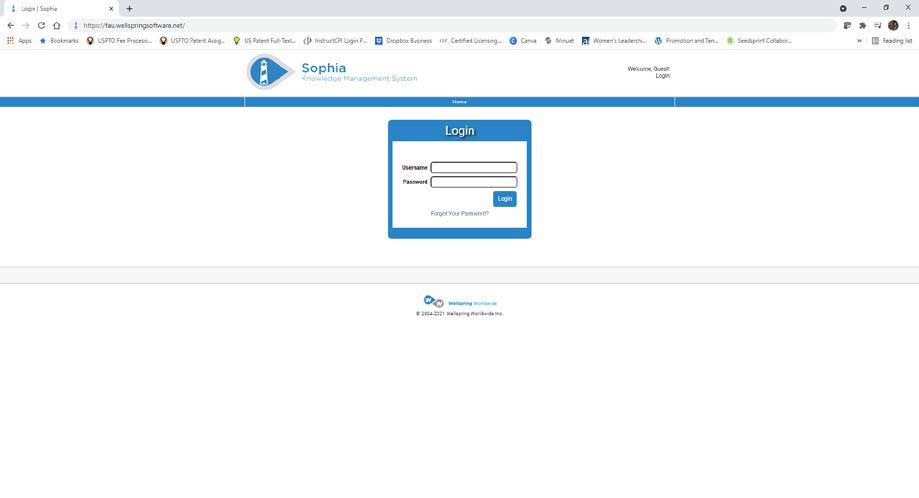
- Enter your FAU email address.
- Click on the “Reset Password” button.
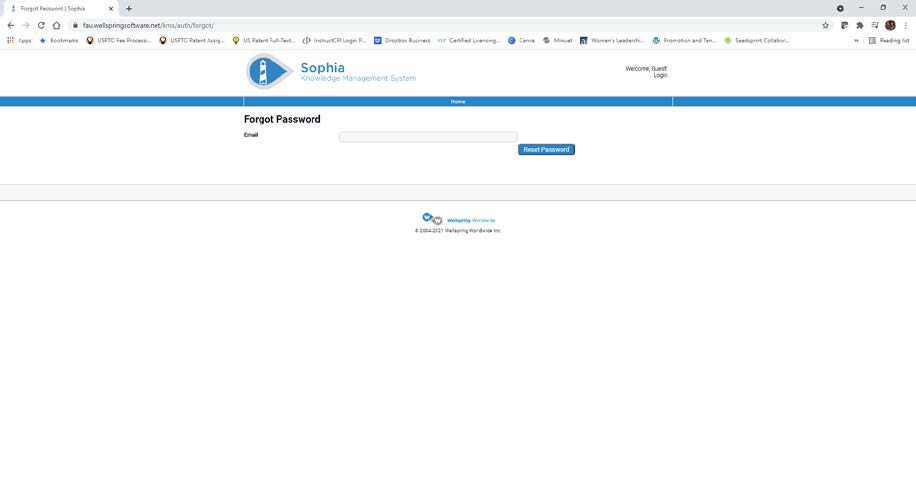
- A link to reset your password will be emailed to you.
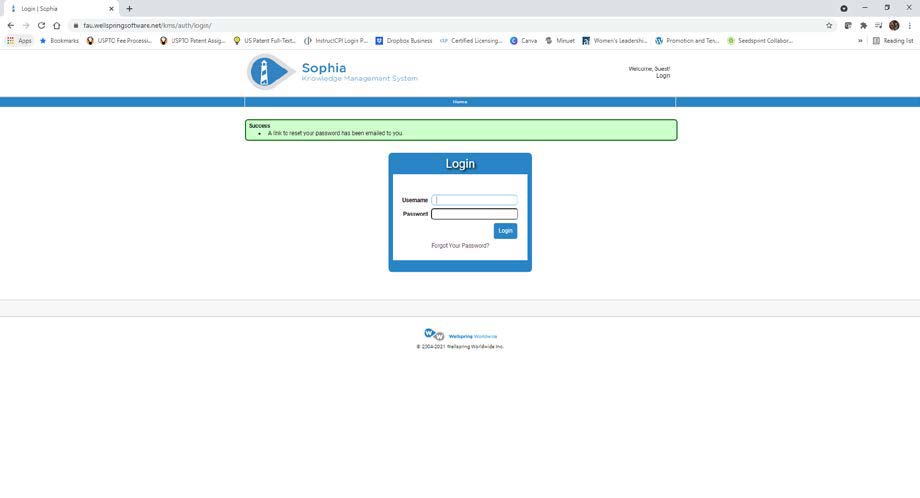
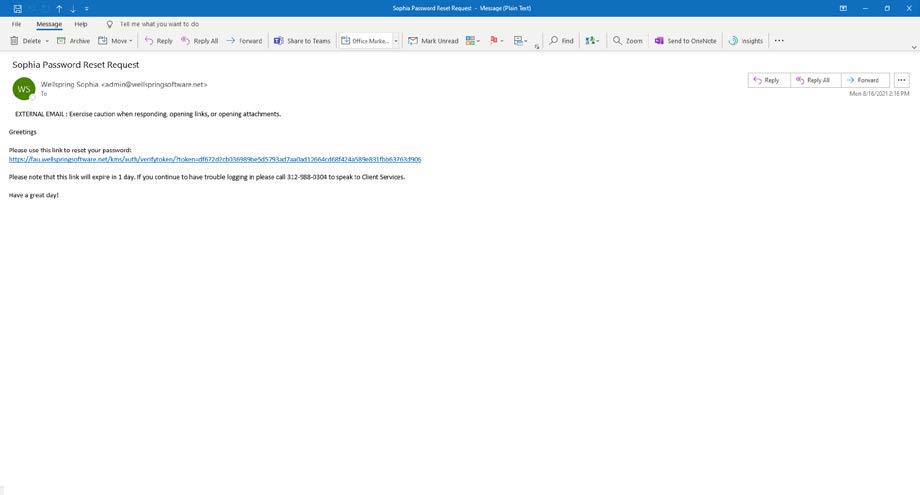
- Open the email from admin@wellspringsoftware.net with the subject “Sophia Password Reset Request”.
- Click on the link to reset your password.
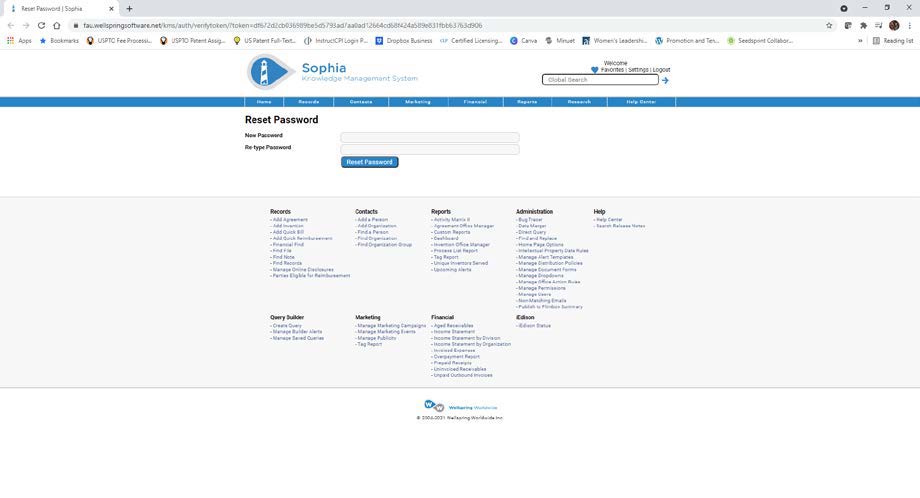
- Enter a new password.
- Re-type the password.
- Click on the “Reset Password” button.
- Enter your FAU email address as your Username.
- Enter your new password.
- Click on the “Login” button.