Grammarly for FAU Students
Free Grammarly Premium Subscription
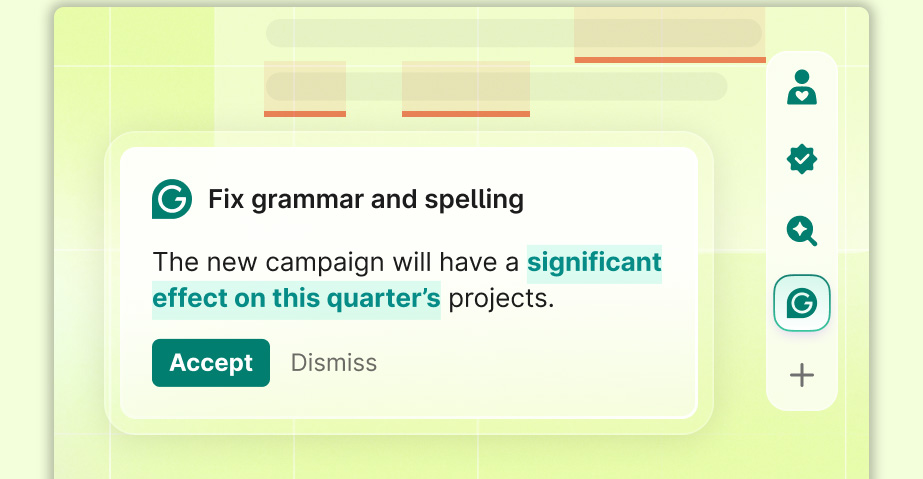
FAU students can access Grammarly Premium for free using their FAU email account. Grammarly helps improve your writing by checking grammar, spelling, clarity, tone, and citations—perfect for essays, emails, and professional communication.
Key Features:
- Grammar & Spell Check: Instantly pinpoints and corrects errors in grammar, spelling, and punctuation, ensuring error-free communication.
- Paraphraser: Rewrites full sentences and paragraphs to improve flow and adapt the tone for your specific audience.
- Tone Detector: Analyzes how your text will “land” and ensures your message comes across exactly as intended (e.g., professional, confident, empathetic).
- Vocabulary Enhancements: Suggests synonyms and stronger word choices to make your writing more engaging and concise.
- Citation Finder: Automatically scans your document for unsupported claims, identifies legitimate internet sources, and generates proper MLA, APA, or Chicago citations.
- Authorship Tracking: Provides a transparent record of how a document was created, showing which sections were written by humans versus AI-assisted.
Grammarly Premium Sign-Up Tutorial
- Step 1: Visit the Grammarly Activation page: https://www.grammarly.com/enterprise/signup
-
Step 2: Enter your FAU email address in the School Email field and select Continue.
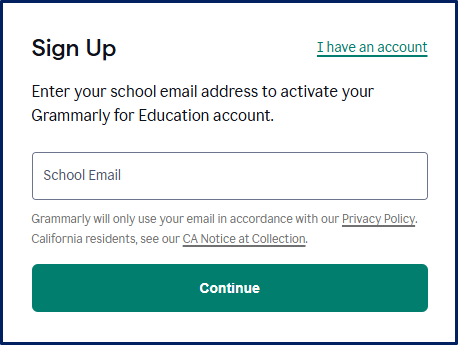
- Step 3: On the Sign-Up page, enter your FAU email address and password.
- Step 4: Select Agree and Sign up.
- Step 5: Sign in with your FAU credentials.
- Step 6: Your Grammarly account should now be activated.