Innovator Portal
As a service to the faculty, staff and students of Florida Atlantic University, the Office of Technology Development (OTD) offers access to the Innovator Portal. This feature allows researchers to submit online intellectual property disclosure forms. This capability greatly reduces the time and labor involved in submitting and processing records -- both for the researchers and for OTD. Researchers can also use the portal to access the current status of intellectual property protection, marketing efforts and agreements.
If you already have an account, you can access the Innovator Portal here, or contact OTD to request account credentials at techdevelop@fau.edu.
For additional assistance, please refer to the instructions below:
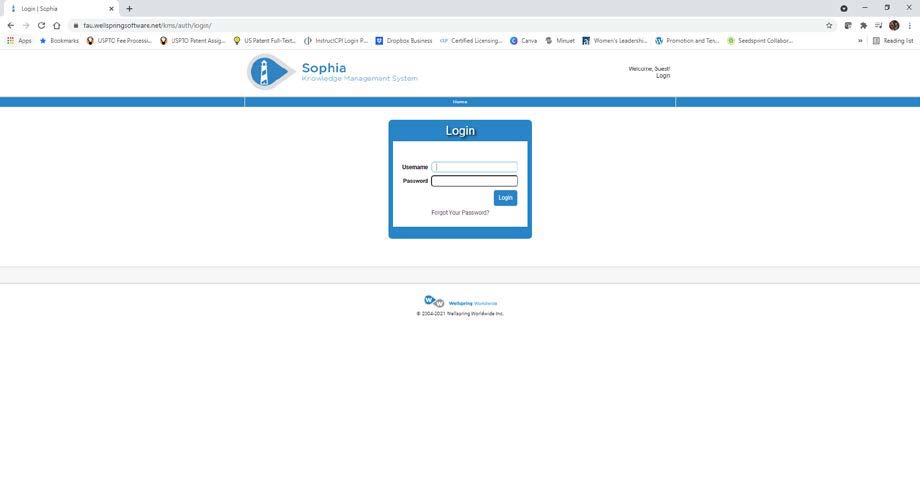
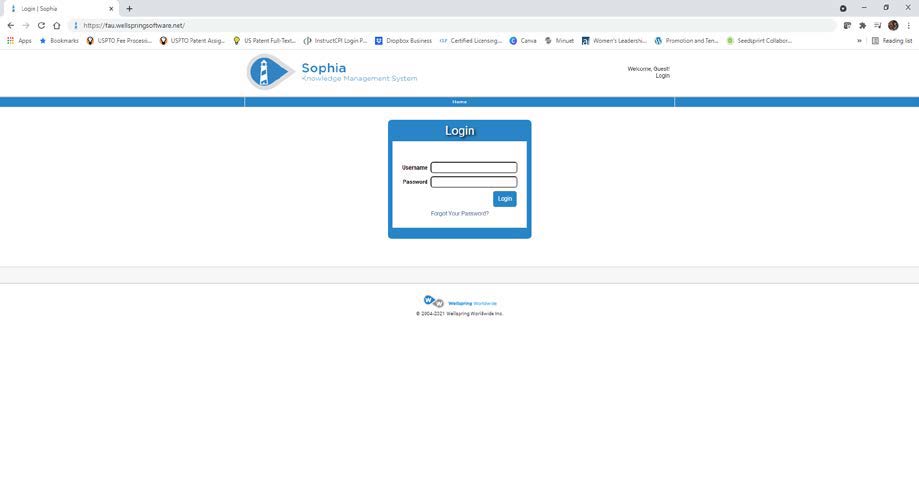
- Open a web browser and navigate to https://fau.wellspringsoftware.net .
- Click on the “Forgot Your Password?” link.
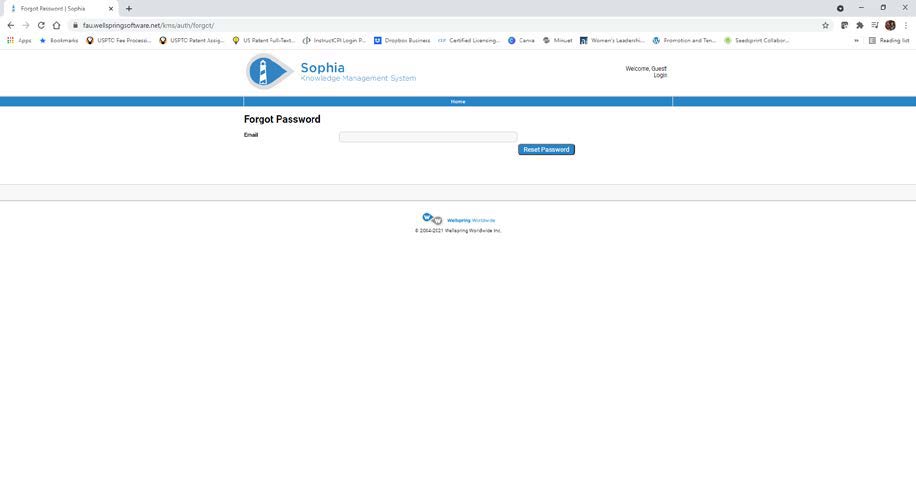
- Enter your FAU email address.
- Click on the “Reset Password” button.
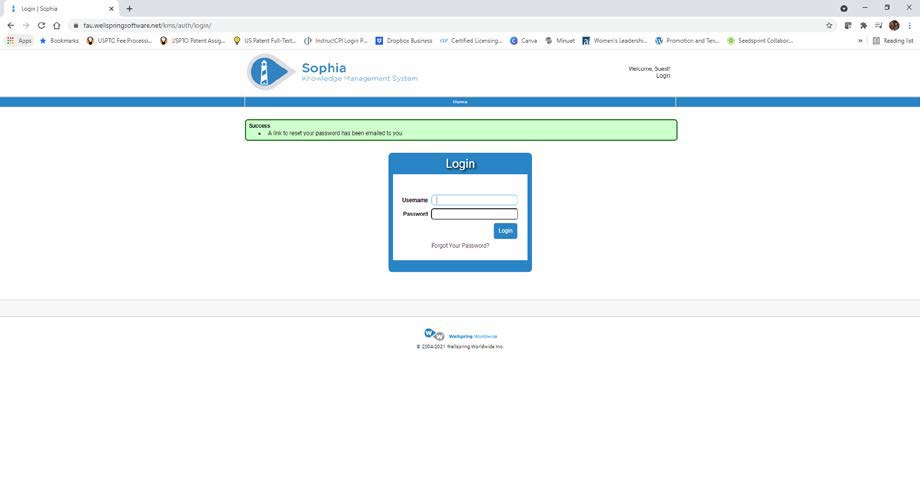
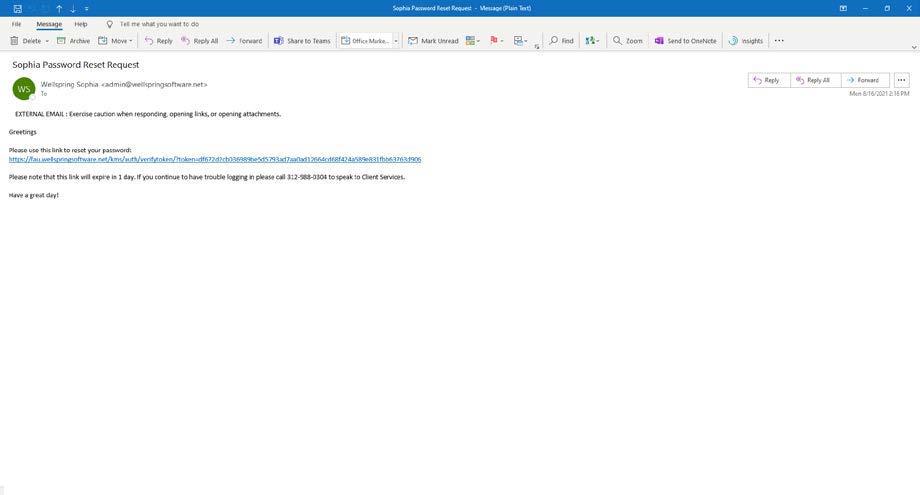
- A link to reset your password will be emailed to you.
- Open the email from admin@wellspringsoftware.net with the subject “Sophia Password Reset Request”.
- Click on the link to reset your password.
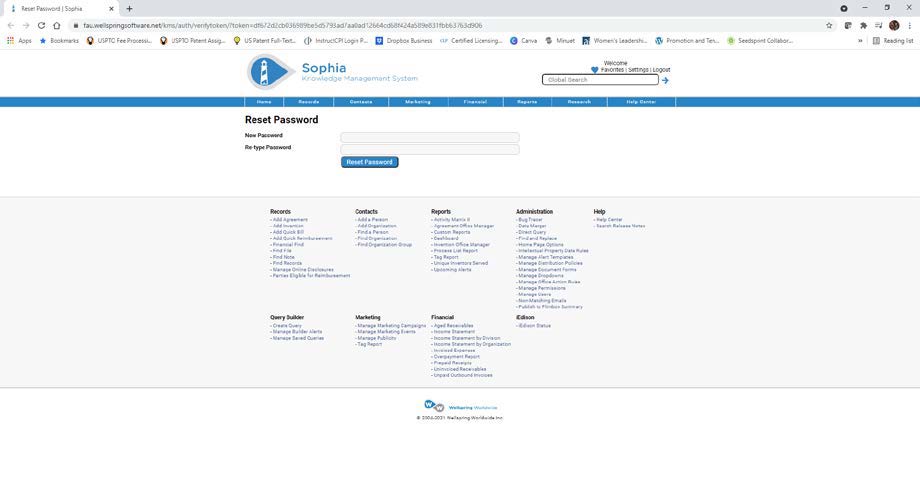
- Enter a new password.
- Re-type the password.
- Click on the “Reset Password” button.
- Enter your FAU email address as your Username.
- Enter your new password.
- Click on the “Login” button.